Description:
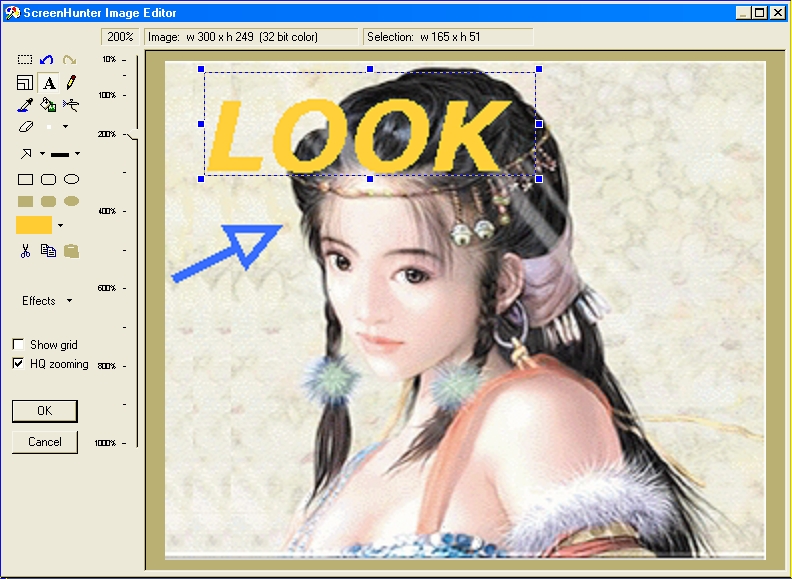
This free program has a simple interface that makes this operation surprisingly easy. The main screen is well spaced and intuitive enough to have new users making screen captures in no time. A menu along the top allows users to make screen captures now or to stand by. Along the left side of the screen are the buttons to toggle between options of where the capture comes from, where it is sent, and more advanced options. The Advanced and Send To options are fairly standard for this type of software, but the Capture From option is quite unique. On this screen, users can select a single hot key to take screen captures, as well as select whether they'd like a full-screen capture, capture a window, or simple a small rectangle (which brings up crosshairs that let you zero in on target).
Features:
Licence: Free
Language: English
Developer: Winsdom Software
OS: Windows 98/Me/2000/XP/Vista/NT
Size: 4.84MB
Screen Shots:



No comments:
Post a Comment